Single location
One restaurant with steady phone orders.
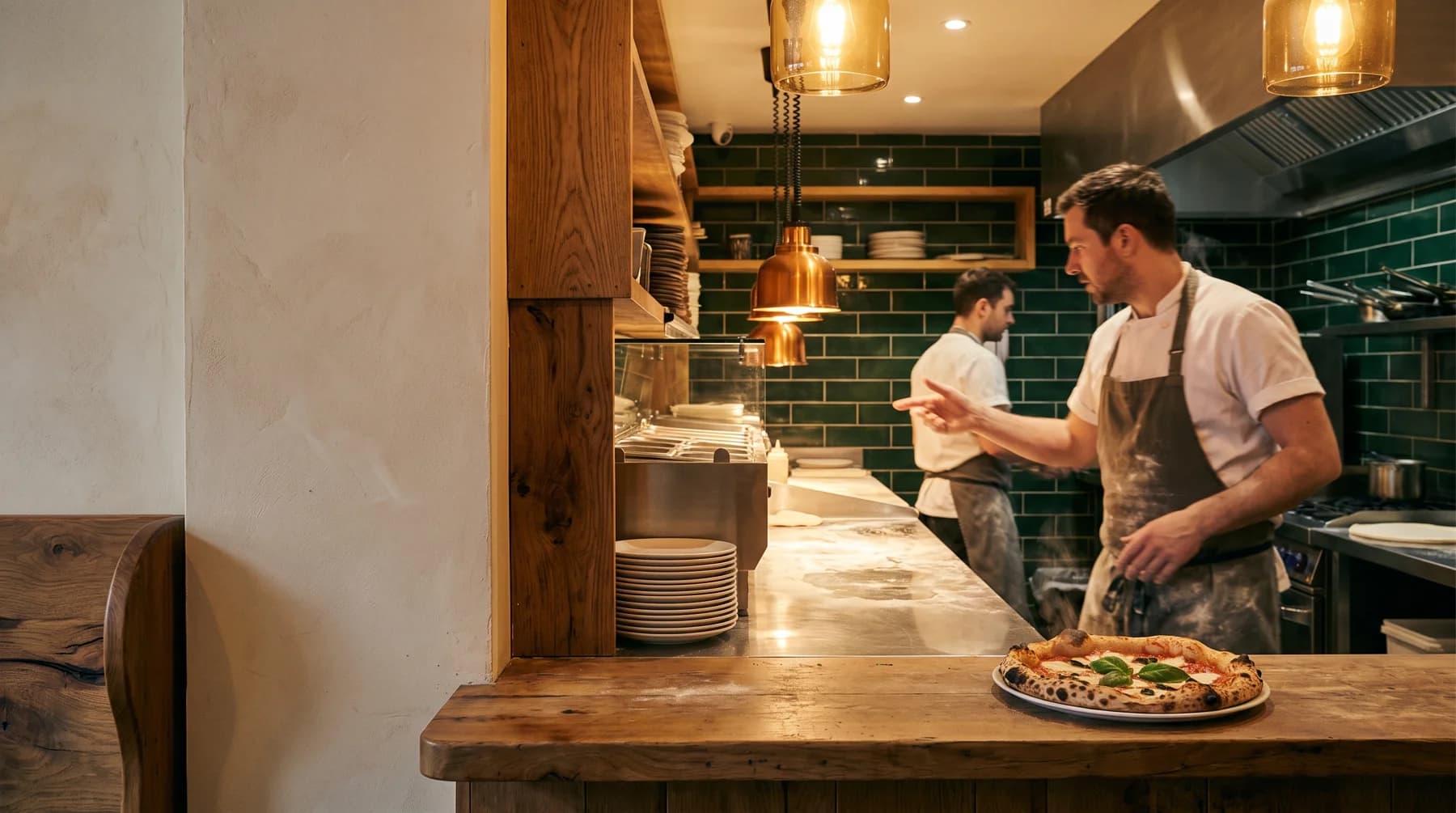
OrderFlow answers phone orders, confirms the details, and gives your team a clear ticket to review before kitchen handoff.
Scripted audio · no microphone needed to listen
ONE ORDER, START TO FINISH
A Pizza Palace example: hear the request, follow the ticket, and explore a change to the same order.
Scripted audio example · synthesized voices. This illustrates the experience; it is not a recording of the live agent.
Pizza Palace, this is Alex.
Hey, yeah. Hi. Can I get—hold on. Sorry. Yeah. Two large pepperoni, one with no onions, and a chicken wing combo, and a two-liter Coke.
No problem. Two large pepperoni, one with no onions, one chicken wing combo, and a two-liter Coke. Did I get that right?
Illustrative continuation · not spoken in the audio. Move the no-onion request to the other pizza.
The first pizza has no onions. The second keeps its standard toppings.
For staff review · no order is submitted.
Set up the path from the first ring to the kitchen yourself before your first live call.
Automatic POS handoff is not included today. Your team reviews orders in OrderFlow and follows its usual kitchen process. See current readiness
Import a photo, PDF or spreadsheet, then check items, prices, options and opening hours.
Choose the AI’s name and personality, then pick a local number for customers to call.
Confirm payment timing and tax. Live calls turn on only when every setup item is complete, and your team reviews each ticket before kitchen handoff.
Start a 14-day free trial and set everything up yourself. A card is required; you aren’t charged until the trial ends, and you can cancel from your dashboard before then.
One restaurant with steady phone orders.
Busy restaurants and peak-hour rushes.
Every plan includes
Several locations, or want help? Tell us about your restaurants and we’ll help you plan setup. An enquiry doesn’t start a subscription.
Talk to us about a groupStaff review the captured order and conversation context in the OrderFlow dashboard before kitchen handoff.
The AI offers to take the caller’s name and number so your staff can call back. Direct transfer to a person can be set up with our team.
You can forward calls from your existing number to your OrderFlow number through your phone provider, if it supports call forwarding. No number change is needed to try the browser demo.
Automatic POS handoff is not included today. Your team reviews the order in OrderFlow and follows its usual kitchen process.
The agent can send a secure Stripe payment link by text after the caller explicitly opts in. You choose prepay or pay at pickup before switching on live calls.
The browser demo uses the Pizza Palace sample menu. To use your own menu, start a free trial and import it during setup.
Each plan includes up to 200 or 500 call-minutes of AI-answered calls a month. If you expect more, talk to us before you go live.
No setup fee. Every plan starts with a 14-day free trial. A card is required to start; you aren’t charged until the trial ends, and you can cancel from your dashboard before then.
Tell us where to reach you and we’ll talk through your menu, call volume and setup. Or start a free trial and set it up yourself.